
Free Auto Repair Invoice Template (PDF, Excel & Word)
If you’re looking for a free auto repair invoice template, you’ve come to the right place.
Whether you run an auto repair shop, mobile mechanic business, roadside service company, or small garage, having a professional invoice helps you get paid faster and keeps your records organized.
In this guide, you’ll learn what should be included on an auto repair invoice, how to create a professional repair invoice, common invoicing mistakes to avoid, and how to download and use a free auto repair invoice template.
What Is an Auto Repair Invoice?
An auto repair invoice is a document provided to a customer after vehicle repairs have been completed. It outlines the labor performed, parts installed, taxes, fees, and the total amount due.
A professional invoice protects both the repair shop and the customer by providing a clear record of the work completed.
What Should Be Included on an Auto Repair Invoice?
Shop Information
- Shop name
- Address
- Phone number
- Email address
- Website
Customer Information
- Customer name
- Phone number
- Email address
- Billing address
Vehicle Information
- Year
- Make
- Model
- VIN
- License plate number
- Mileage
Repair Details
Clearly list each service performed so the customer understands what was completed.
| Service | Cost |
|---|---|
| Oil Change | $49.99 |
| Front Brake Pad Replacement | $189.99 |
| Tire Rotation | $24.99 |
Parts Used
List replacement parts separately from labor.
| Part | Qty | Cost |
|---|---|---|
| Brake Pads | 1 | $79.99 |
| Oil Filter | 1 | $12.99 |
Labor Charges
Include the labor description, hours billed, and hourly labor rate.
Example: 2.0 hours at $100/hour = $200
Taxes and Fees
- Sales tax
- Disposal fees
- Shop supplies
- Environmental fees
Total Amount Due
Always display the total clearly at the bottom of the invoice.
Common Auto Repair Invoice Mistakes
Vague Descriptions
Instead of writing “Fixed vehicle”, use a clear description like “Replaced front brake pads and resurfaced front rotors.”
Missing Vehicle Information
Always record the vehicle that was serviced. This helps you keep a complete repair history for each customer.
Missing Customer Approval
Keep estimates and customer approvals on file before beginning major repairs.
Incorrect Tax Calculations
Verify local tax requirements for parts, labor, and shop fees.
Benefits of Using Professional Invoicing Software
Paper invoices and spreadsheets can work when you’re just getting started, but they become harder to manage as your customer list grows.
- Faster invoice creation
- Customer history tracking
- Vehicle history tracking
- Automatic totals and taxes
- Digital records
- Email delivery
- Payment tracking
Auto Repair Invoice Example
Customer: John Smith
Vehicle: 2020 Ford F-150
- Oil Change
- Tire Rotation
- Brake Inspection
Labor: $120.00
Parts: $38.99
Tax: $10.14
Total Due: $169.13
Download Your Free Auto Repair Invoice Template
Download our free auto repair invoice template in PDF, Excel, or Word format. These templates can be customized for your shop and used immediately.
Ready to Stop Using Spreadsheets?
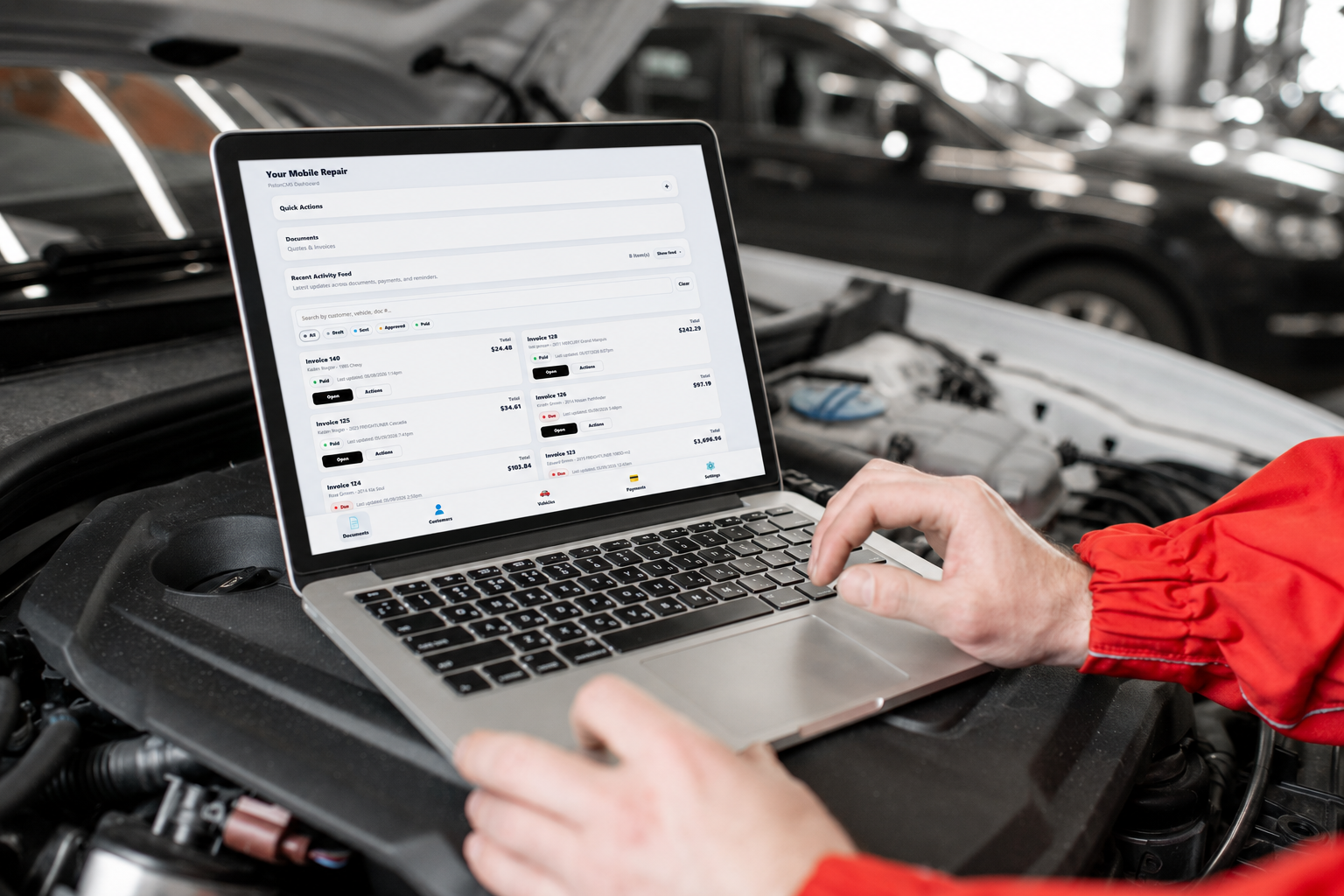
PistonCMS helps repair shops and mobile mechanics create professional estimates and invoices, track customers and vehicles, and manage their business from one dashboard.
- Customer management
- Vehicle history
- Estimates and invoices
- Service reminders
- Payment tracking
- Mobile-friendly access
Frequently Asked Questions
Can I use this invoice template for a mobile mechanic business?
Yes. The template works for repair shops, mobile mechanics, and roadside service businesses.
Should labor and parts be separated?
Yes. Separating labor and parts provides transparency and helps avoid customer confusion.
Do I need to include vehicle information?
It is strongly recommended. Vehicle information creates a complete repair history and protects both parties.
Can I email invoices to customers?
Yes. Modern shop management software allows invoices to be emailed directly to customers and stored digitally.
Stay Updated
Get updates and repair resources.
Continue Learning
Related diagnostic and repair information: